
Part 1 of our series on improving CAE productivity with agentic AI tools
Agentic AI tools promise a big boost in productivity for engineers. But does that promise actually hold up when you sit down to do real CAE work? In this first post of our series, based on our recent TotalCAE webinar, “Improve CAE Productivity with Agentic AI Tools,” we look at what the research says, and at the common pitfalls that can quietly eat up the time you thought you were saving.
Agentic AI Tools Can Make You Productive
There is a whole ecosystem of agentic AI tools now. You have tools like Cursor, Google Antigravity, and Grok Bot. You have popular models from many vendors. And these tools can work with the CAE tools you already use.
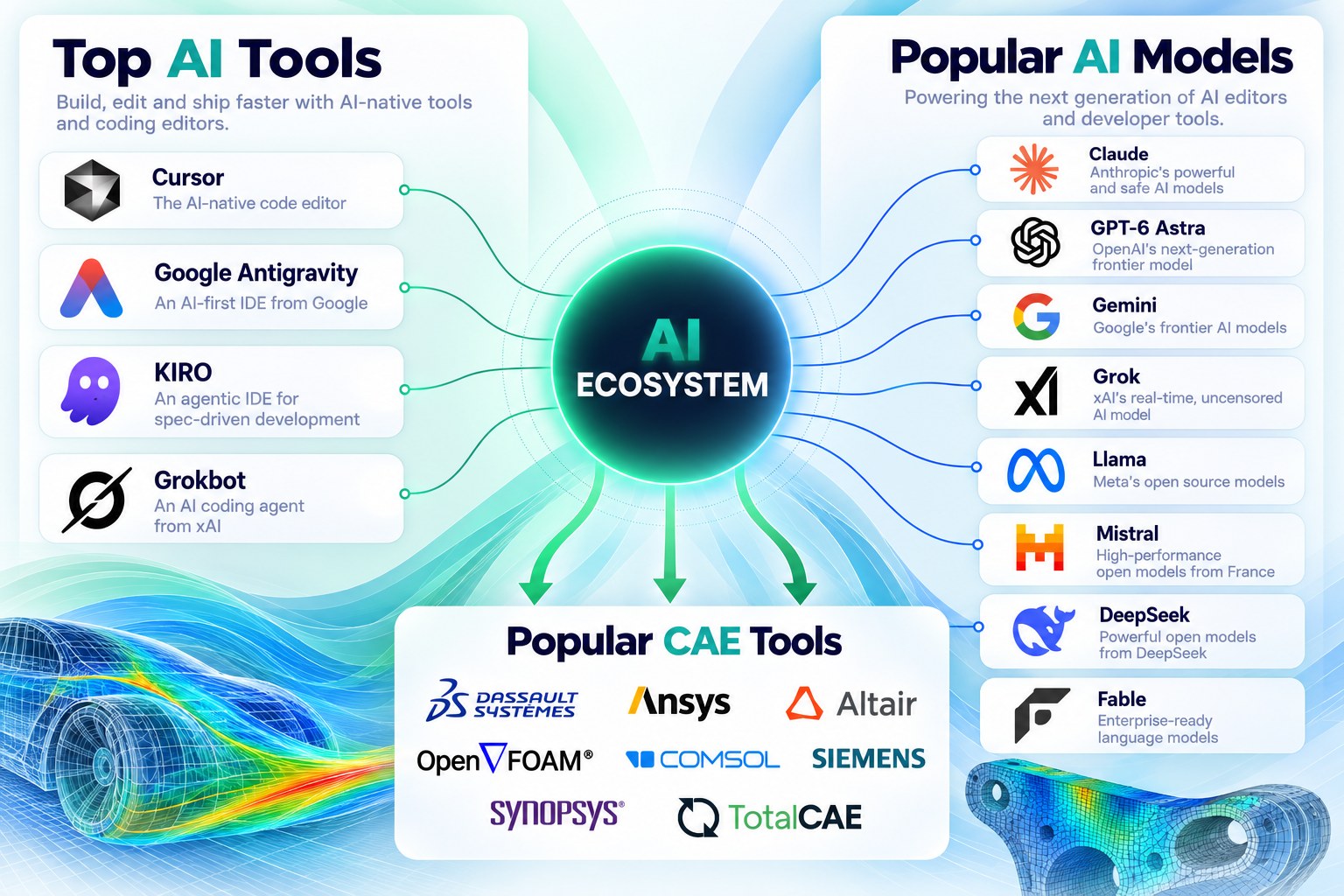
That combination is powerful. An agent can read documentation, write and edit input files, submit jobs, watch them run, and pull back results. So it is easy to assume that adding AI to your workflow automatically makes you faster.
The Productivity Paradox: 19% Slower?
The findings tell a different story, a sort of productivity paradox. In a randomized trial from early 2025, METR found that experienced developers took 19% longer to finish their work with AI tools. Yet those same developers believed AI had sped them up by 20%.
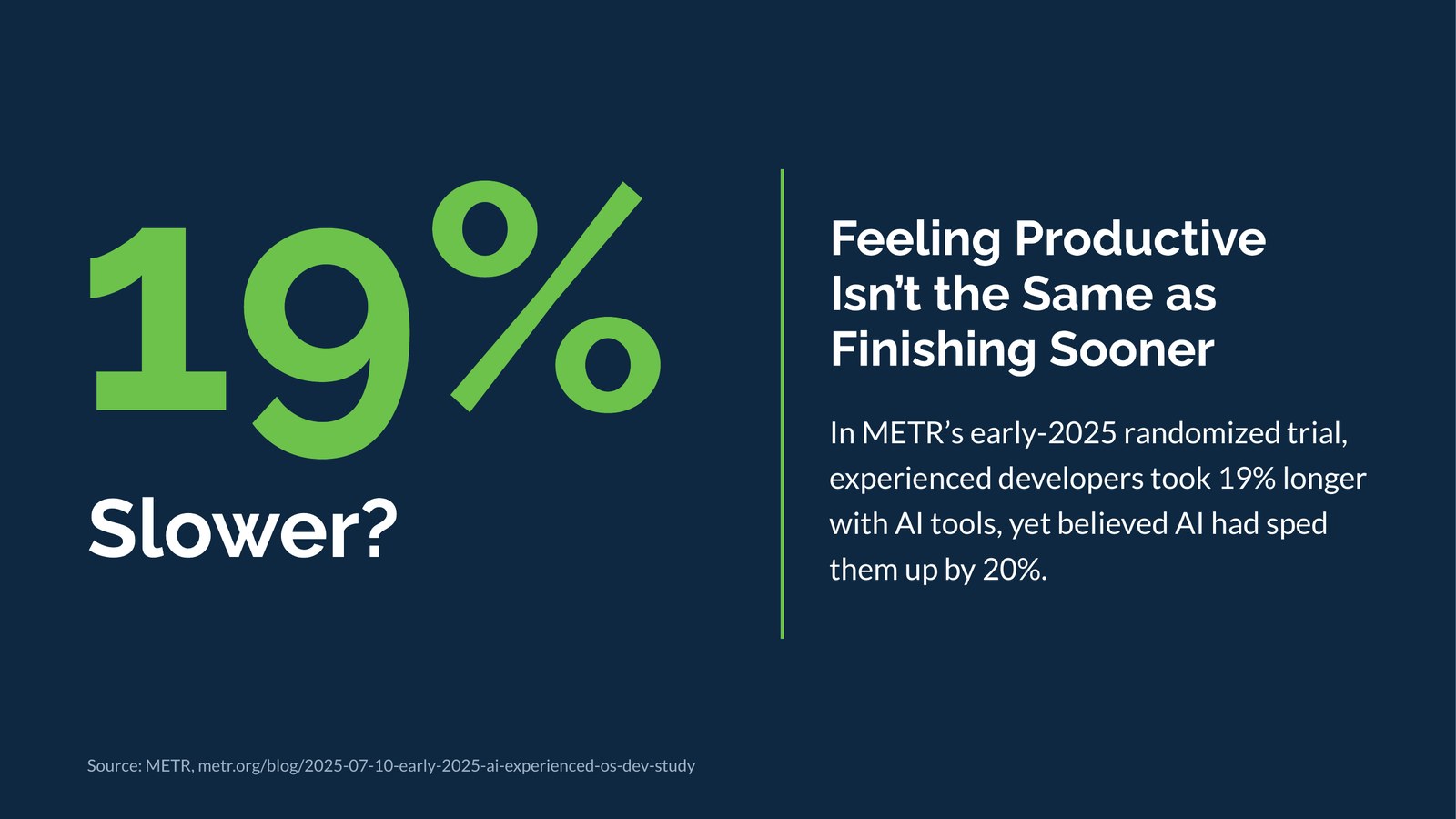
The takeaway is simple: feeling productive is not the same as finishing sooner. The study looked at experienced developers rather than CAE engineers, but the lesson applies to anyone who scripts, automates and debugs their workflows with AI. So why does this happen?
Five AI Pitfalls That Reduce Productivity
It comes down to a handful of AI pitfalls. They take time to learn, and you have to avoid them to get the promised productivity. Here they are, along with how to mitigate each one.
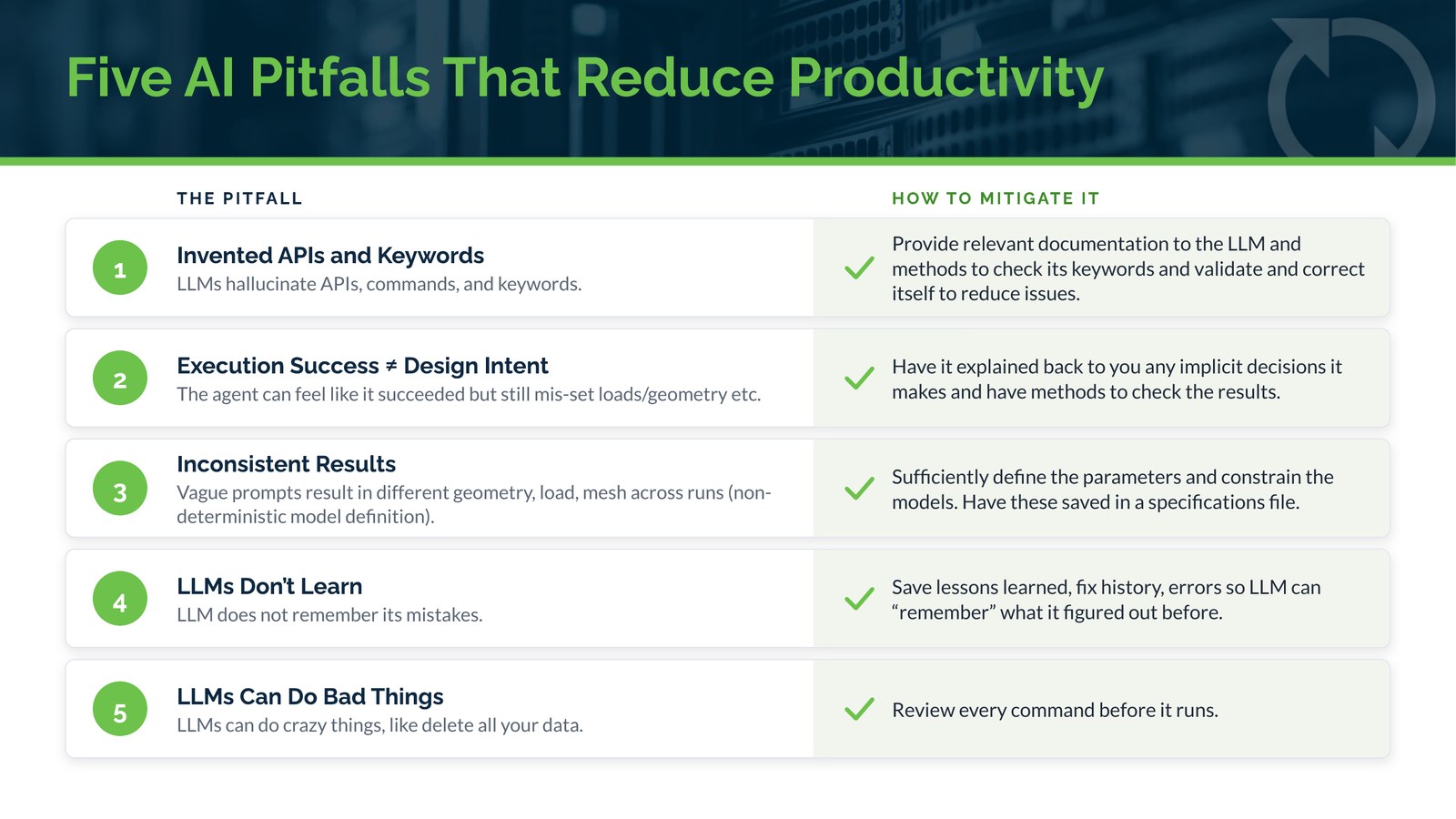
1. Invented APIs and Keywords
LLMs can hallucinate APIs, commands, and keywords.
How to mitigate it: Give the LLM the relevant documentation, and give it a way to check its keywords so it can validate and correct itself.
2. Execution Success Is Not Design Intent
The agent can feel like it succeeded, but still have the wrong loads or geometry. A job that runs to completion is not the same as a job that models what you meant.
How to mitigate it: Have the agent explain back to you any implicit decisions it makes, and give it ways to check the results.
3. Inconsistent Results
Vague prompts can give you a different geometry, load, or mesh on every run. The model definition becomes non-deterministic, which is the last thing you want in engineering analysis.
How to mitigate it: Define the parameters clearly and constrain the model. Save them in a specifications file.
4. LLMs Don’t Learn
LLMs do not remember their mistakes. The same error can show up run after run.
How to mitigate it: Save lessons learned, fix history, and errors, so the LLM can “remember” what it figured out before.
5. LLMs Can Do Bad Things
LLMs can do crazy things, like delete all your data.
How to mitigate it: Review every command before it runs, especially when you first get started, so you can get the guardrails in place.
So Is AI Worth It for CAE?
Yes, but only if you work around these pitfalls deliberately. The tools are capable, and they can connect to the solvers and HPC resources you already rely on. The productivity gap comes from hallucinated keywords, results that run but miss the design intent, inconsistent model definitions, agents that repeat their mistakes, and commands that should never have run.
The good news is that each of these pitfalls has a practical mitigation. Even better, those mitigations can be built into a repeatable framework, so you are not relying on luck or on remembering every guardrail yourself.
Coming Up in Part 2: Solving the Paradox
In Part 2, we show how to use an agentic AI framework to mitigate these issues and solve the productivity paradox. We walk through a paper from Kyung Hee University that describes an LLM based Abaqus automation system with hallucination suppression built in, and show how we had Cursor build that framework for us and solve a cantilever beam on an HPC cluster.
More in this series:
- Part 2: Using an Agentic AI Framework to Solve the CAE Productivity Paradox
- Part 3: How to Use Cursor to Submit an Abaqus Run or Restart and Plot ODB Outputs
- Part 4: Using Grok Bot to Set Up and Run a Series of Load Cases, and Email, Slack or Call You When Completed
- Part 5: How to Keep Agentic AI Tools from Training on your CAE data
Talk to TotalCAE
Want help bringing agentic AI into your CAE workflows on your HPC cluster or cloud? Contact us at info@totalcae.com.